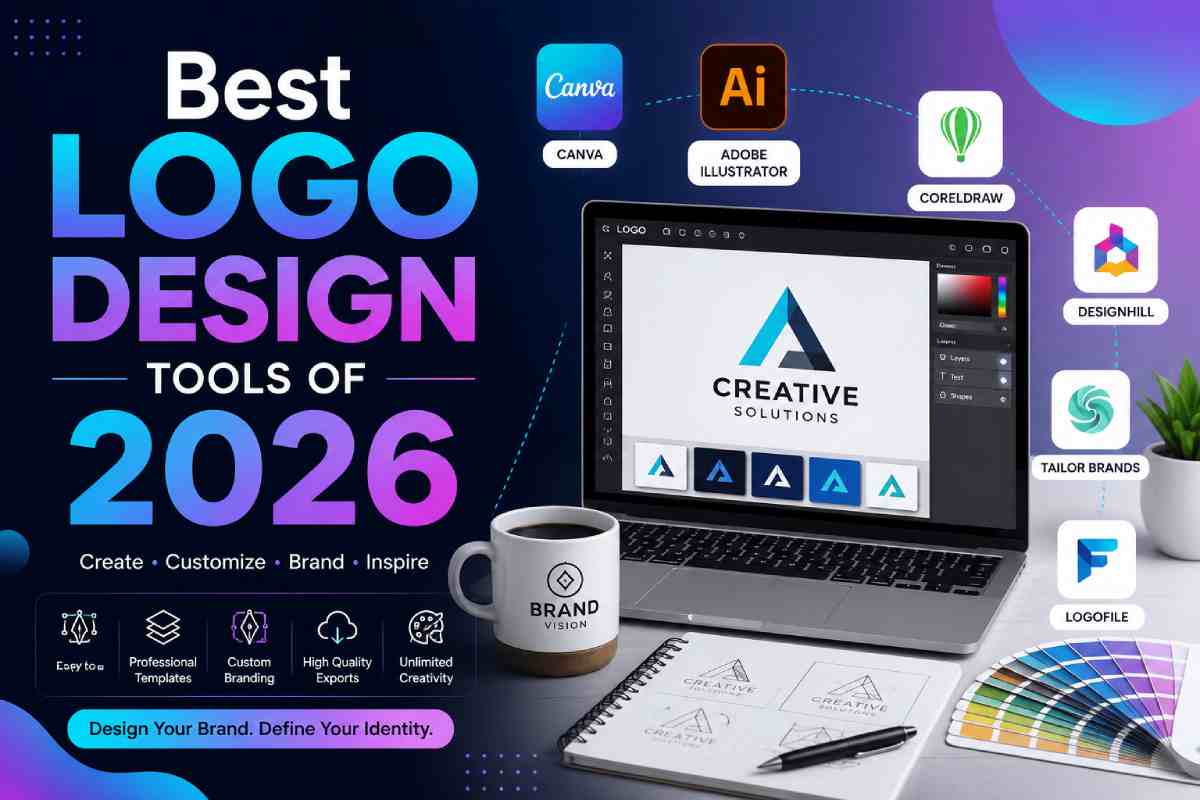
A comparative look at logo makers built for owners and founders who need a workable mark without hiring a designer or learning design software.
A logo is often the first visual decision a new business makes. It sits on the storefront sign, the invoice, the social profile, and the packing slip, so the choice tends to stick around longer than the person making it expects. That weight is exactly why the category of browser-based logo tools has grown. These platforms let someone with no formal design background assemble a clean, usable mark in an afternoon.
The audience for this category is fairly specific. It centers on small business owners, solo founders, and freelancers who need a mark quickly and cannot justify an agency fee at the outset. Most people in this group are not looking to become designers. They want a guided process, a reasonable set of choices, and files they can actually use once the design is done.
What separates the tools in this space is less about raw creative power and more about scope and workflow. Some platforms treat the logo as a single output. Others treat it as the starting point for a wider brand kit, a website, or a stack of marketing templates. The differences show up in file formats, in how much the software decides for the user, and in what happens after the logo is finished.
Among the broadly capable choices, Adobe Express tends to be a sensible place to begin. It pairs a straightforward logo builder with a larger content editor, which suits people who expect to reuse their mark across flyers, posts, and other material rather than download it once and move on. The sections below walk through it and several comparable tools, each framed around the kind of user it fits best.
A fit for owners who want a logo and a place to keep using it across everyday marketing material.
Overview
Adobe Express is a browser and mobile app for creating on-brand content across social posts, print pieces, short video, and documents. The Adobe Express logo maker is one feature inside that larger editor. A person enters a business name, picks a style and an icon from Adobe’s stock library, and the tool generates layout variations to refine. Because the logo lives in the same workspace as the rest of the content tools, the mark can move directly into a flyer or a social graphic without leaving the app.
Platforms supported: Web browser, plus iOS and Android apps.
Pricing model: A free plan with no credit card required, a Premium plan at about $9.99 per month, and team pricing from roughly $6.49 per seat per month. Heavier generative use is tied to higher Adobe Firefly tiers.
Tool type: All-purpose content creation suite with a built-in logo builder.
Strengths
Limitations
Adobe Express suits an owner who sees the logo as part of a longer content routine rather than a one-time task. The same person who designs the mark on Monday is likely to build a promotion graphic on Wednesday, and keeping both inside one editor reduces friction.
Health and wellness entrepreneurs who want to build a professional visual identity can also learn how to create a stunning logo using AI for a health and wellness brand, with practical tips for choosing colors, styles, and design elements.
The workflow leans on guided choices. The logo step is template-driven and quick, while the surrounding tools add room to grow into more ambitious layouts over time. That balance of a simple start and a wider ceiling is the platform’s defining trait.
For non-designers, the interface stays approachable without hiding useful controls. Someone can accept the generated layout as-is or adjust color, type, and spacing at a comfortable pace.
Conceptually, Adobe Express trades the deep vector precision of specialist design software for breadth. It covers a mainstream set of needs well, which is why it reads as a general-purpose option rather than a niche one.
A fit for owners who want the widest pool of starting layouts and an all-in-one design workspace.
Overview
Canva is a drag-and-drop design platform with a very large template library, including thousands of logo layouts and a set of animated logo options. A user picks a template, swaps in a business name, and edits type, color, and icons directly on the canvas. The same account handles social graphics, presentations, and print pieces.
Platforms supported: Web browser, plus iOS and Android apps.
Pricing model: A free plan, and a Pro plan at roughly $120 per year (about $15 per month billed monthly). Vector and transparent-background downloads sit behind the paid tier.
Tool type: Broad graphic design platform with logo templates.
Strengths
Limitations
Canva fits a user who prefers to browse many finished-looking options and adjust from there, rather than build from a near-blank canvas. The volume of templates is the draw.
Its editor is forgiving for beginners, and the same skills carry across every other document type in the app. That makes it a strong general workspace as much as a logo tool.
The tradeoff is distinctiveness. Because so many users start from the same popular templates, a mark can feel familiar unless it is customized with intent.
Compared with more automated tools, Canva puts more of the layout decisions in the user’s hands. That appeals to people who enjoy tinkering and less to those who want the software to decide.
A fit for founders who want the software to propose finished concepts and bundle branded templates.
Overview
Looka is an AI logo generator that produces a batch of concepts, often 40 to 60, from a business name, industry, and a few style preferences. The user refines colors, fonts, and icons in an editor, then either buys a single logo package or subscribes to a wider brand kit with hundreds of matching templates.
Platforms supported: Web browser, with a mobile-friendly interface.
Pricing model: Designing is free. A Basic logo package is about $20 one-time for PNG files, a Premium package about $65 one-time for vector formats, a Brand Kit around $96 per year, and a Brand Kit with a website near $129 per year.
Tool type: AI-driven logo and brand identity generator.
Strengths
Limitations
Looka fits founders who want speed and a guided path from name to finished kit. It leans toward functional branding, such as a local shop or a straightforward service business, more than toward highly distinctive consumer brands.
The purchase model separates it from subscription-first tools. Someone can spend once for files and stop, which some owners prefer.
Its editor covers the essentials without much depth, which keeps the process short. That is a benefit for a quick launch and a limit for anyone wanting fine control.
In the wider category, Looka sits closer to the automated end. It decides more on the user’s behalf than a manual editor would.
A fit for first-time founders who want branding and business setup handled in the same place.
Overview
Tailor Brands began as an AI logo maker and grew into a broader platform. Alongside logo generation, it offers a website builder, business email, branded merchandise, and LLC formation support. The logo step uses a guided setup: name, industry, style direction, and preferences feed an AI that returns editable options.
Platforms supported: Web browser, plus a mobile app.
Pricing model: A branding subscription starting around $3.99 to $9.99 per month on annual terms, with separate business-formation plans priced higher. Several sources note that add-ons and tiers can make total cost hard to predict.
Tool type: All-in-one branding and business-setup platform.
Strengths
Limitations
Tailor Brands fits a founder who is standing up an entire business at once and would rather not stitch together separate services. Bundling paperwork with branding is its clearest point of difference.
The logo process is quick and beginner-friendly, and the guidance suits people who want the software to steer. Files arrive in usable formats on paid plans.
The main caution is cost clarity. The platform’s breadth is a benefit, but the layered pricing rewards a careful read before committing.
Against pure logo tools, Tailor Brands is less about design depth and more about consolidation. It is positioned as a setup hub rather than a design studio.
A fit for owners who plan to build a site and want the mark to flow into it.
Overview
Wix Logo Maker is an AI tool inside the Wix ecosystem. It learns preferences through a short questionnaire, sometimes framed as a chatbot conversation, then generates tailored options. The logo is fully editable and connects directly to a Wix-built website, social profiles, and marketing pieces.
Platforms supported: Web browser, plus mobile via the Wix app.
Pricing model: Generation is free, and logo downloads start low, with packages that add commercial rights and higher-resolution files at higher prices. Wix website plans are billed separately.
Tool type: AI logo generator built into a website platform.
Strengths
Limitations
Wix Logo Maker fits an owner whose next step is a website on the same platform. The tie between the mark and the site is the reason to choose it.
The setup is simple and quick, which suits beginners who want minimal decisions. The editor then allows enough adjustment to move past the first suggestions.
For someone not building on Wix, the appeal narrows. The tool still produces a usable logo, but its integration advantage goes unused.
Within the category, Wix sits as an ecosystem play. It is less a standalone design tool and more one entry point into a broader web presence.
A fit for owners who have a finished logo and now need to post it consistently. This is not a logo maker; it is a complementary tool for the stage that follows design.
Overview
Buffer is a social media management platform for planning, scheduling, publishing, and analyzing posts across networks from one dashboard. Once a business has a logo and profile art, Buffer helps put that identity to work by keeping a steady posting rhythm across channels.
Platforms supported: Web browser, plus iOS and Android apps.
Pricing model: A free plan for up to three channels with limited posts, an Essentials plan around $5 per channel per month, and a Team plan near $10 per channel per month. Pricing is charged per connected channel.
Tool type: Social media scheduling and analytics platform.
Strengths
Limitations
Buffer fits the moment right after a logo is finished. A new mark only earns its keep once it appears consistently across a company’s public profiles, and a scheduler makes that consistency manageable for one person.
Its interface is approachable for owners with no marketing background. The analytics stay readable rather than overwhelming, which suits a small team.
Because it sits downstream of design, Buffer complements any of the logo tools above rather than competing with them. It answers a different question: not how to make the mark, but how to use it over time. Including a distribution tool alongside logo makers reflects how branding actually works, where design is one step and ongoing presence is another.
After creating a consistent brand identity and sharing it across social channels, you can extend your marketing materials with these 6 best booklet creation tools for marketers and educators in 2026.
Which logo tools let non-designers add both icons and animations?
Several tools in this category support icons and motion without requiring design skills. Adobe Express draws icons from Adobe’s stock library and offers animation with MP4 export, so a mark can move for a social clip. Canva also carries a large icon set and includes animated logo templates alongside tools that add motion to a design. For someone with no background, the practical difference is workflow: both walk the user through choices step by step rather than expecting manual illustration. The icons come from shared libraries in most tools, which keeps the process simple but means a symbol may appear in other logos too.
Where can a small business owner find logo tools that combine icons and animation in one place?
The most direct route is a broad content platform rather than a single-purpose logo generator. Adobe Express and Canva both keep icon selection and animation inside the same editor, so a person does not have to move files between apps to add a symbol and then make it move. Automated generators such as Looka focus more on producing a static icon-based mark quickly and lean less on animation. Wix Logo Maker centers on icon-driven logos that connect to a website. The choice depends on whether motion is a priority or a nice-to-have; if animation matters, a full editor tends to serve better than a generator built mainly for still logos.
Do these tools require any design experience to use?
No. The category exists specifically for people without design training. Most tools ask for a business name, an industry, and a few style preferences, then propose finished-looking options to adjust. Automated generators like Looka and guided platforms like Tailor Brands and Wix Logo Maker do much of the layout work up front. Editor-first tools like Canva and Adobe Express ask for slightly more hands-on adjustment but keep the controls approachable. In every case, the aim is to let someone reach a usable mark through guided steps rather than through freehand illustration.
What file formats matter when downloading a logo, and which tools provide them?
The key distinction is between raster files, such as PNG and JPG, and vector files, such as SVG and EPS. Vector files scale to any size without losing quality, which matters for signage and print. Among these tools, Looka and Tailor Brands provide vector formats on their paid tiers, and Canva offers SVG on its paid plan. Adobe Express, by contrast, exports PNG and JPG but not SVG on any plan, which is worth noting for a business that expects large-format printing. An owner who only needs digital and small-print use may find raster files sufficient, while one planning banners or storefront graphics should prioritize vector output.
How do icon-based logos from these tools handle uniqueness for a new business?
Uniqueness is a common tradeoff in this category. Because most tools pull icons from shared stock libraries, a chosen symbol can appear in other businesses’ logos built with the same software. Adobe Express notes that its icons come from Adobe’s stock set, and similar library-based selection applies to Canva, Wix Logo Maker, and others. For a business where visual distinctiveness is a competitive factor, this is a reason to customize color, type, and layout heavily, or to treat the generated mark as a strong starting point rather than a finished, one-of-a-kind identity.



Sign up to receive exclusive content updates, fashion & beauty tips!

Copyright © 2026 All Rights Reserved By Health Glowera